What to Expect After Your Session
Your session is complete, now what? If you are wondering what happens next, this guide will walk you through the post-session process step by step so you know exactly what to expect, from proofing to final delivery.
Your Proofing Gallery
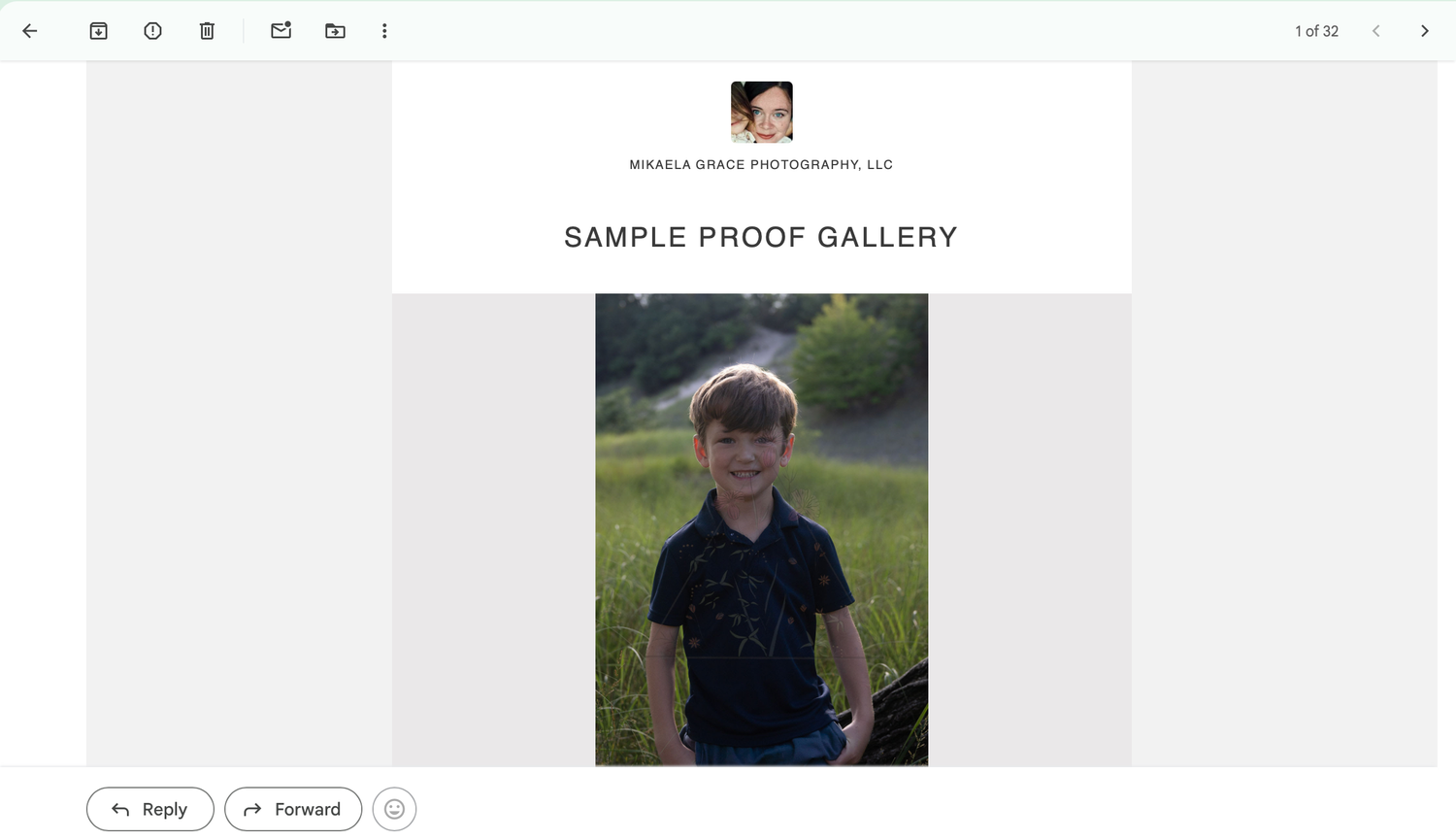
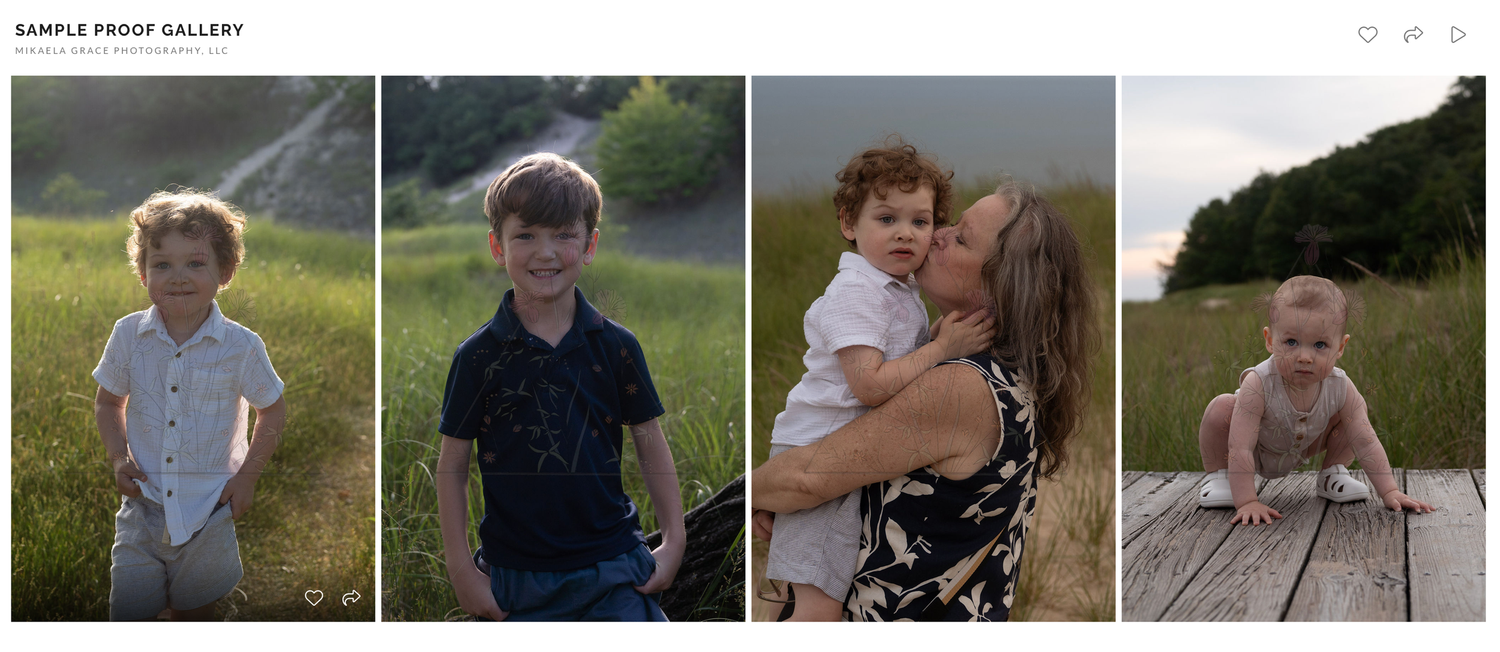
Within 5 days of your session, you’ll receive a link to a private, temporary proofing gallery delivered straight to your email.
This gallery will include:
- Low-resolution JPEG images
- A pre-culled selection (blinks, duplicates, and out-of-focus images removed)
- Basic edits only, such as exposure adjustments, cropping, and white balance
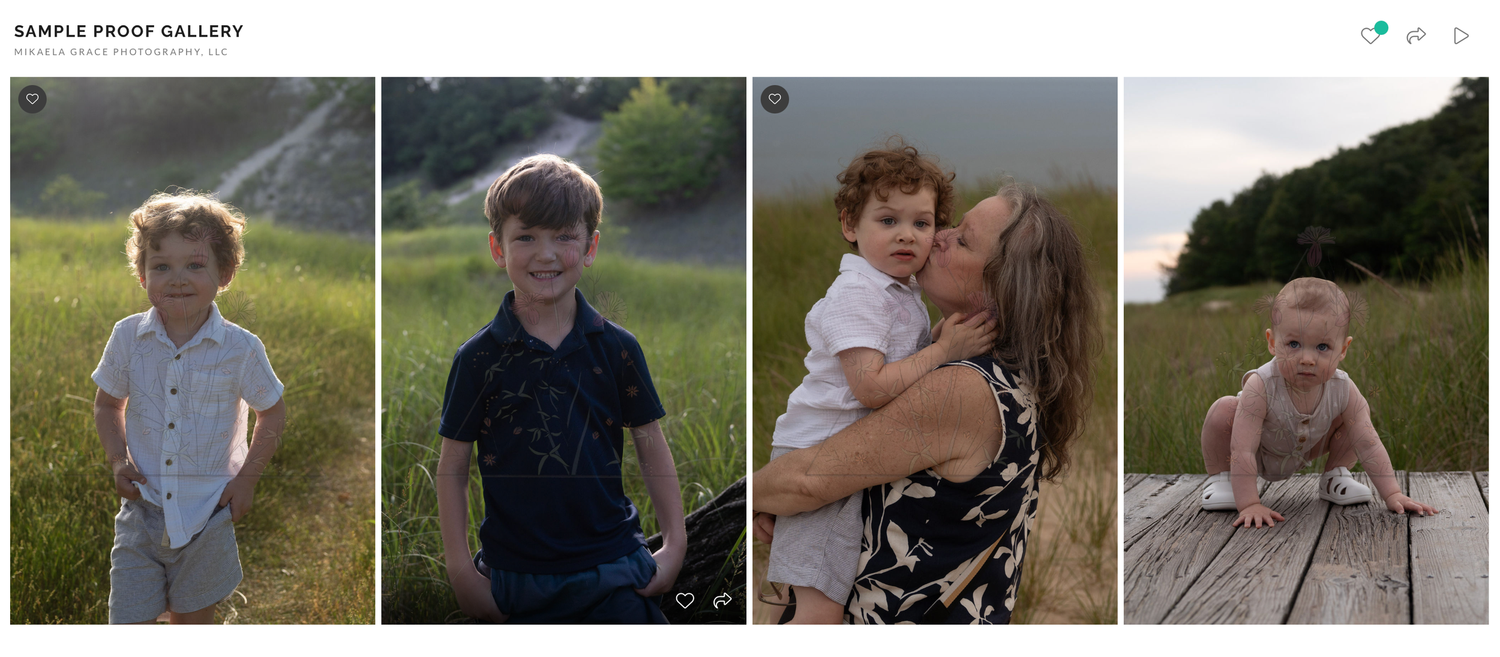
The purpose of this gallery is to help you choose your favorite images for full editing. The gallery will be watermarked, downloads will be disabled, and it will automatically expire after 7 days.
You will have 7 days to select the images you’d like fully edited, based on the number of images included in your session package.
Love more images than your package includes? No problem—upgrades are always available.
How to Select Your Favorites
- Open Your Gallery - Click the link sent to your email to access your proofing gallery. If prompted, enter the password included in the email.
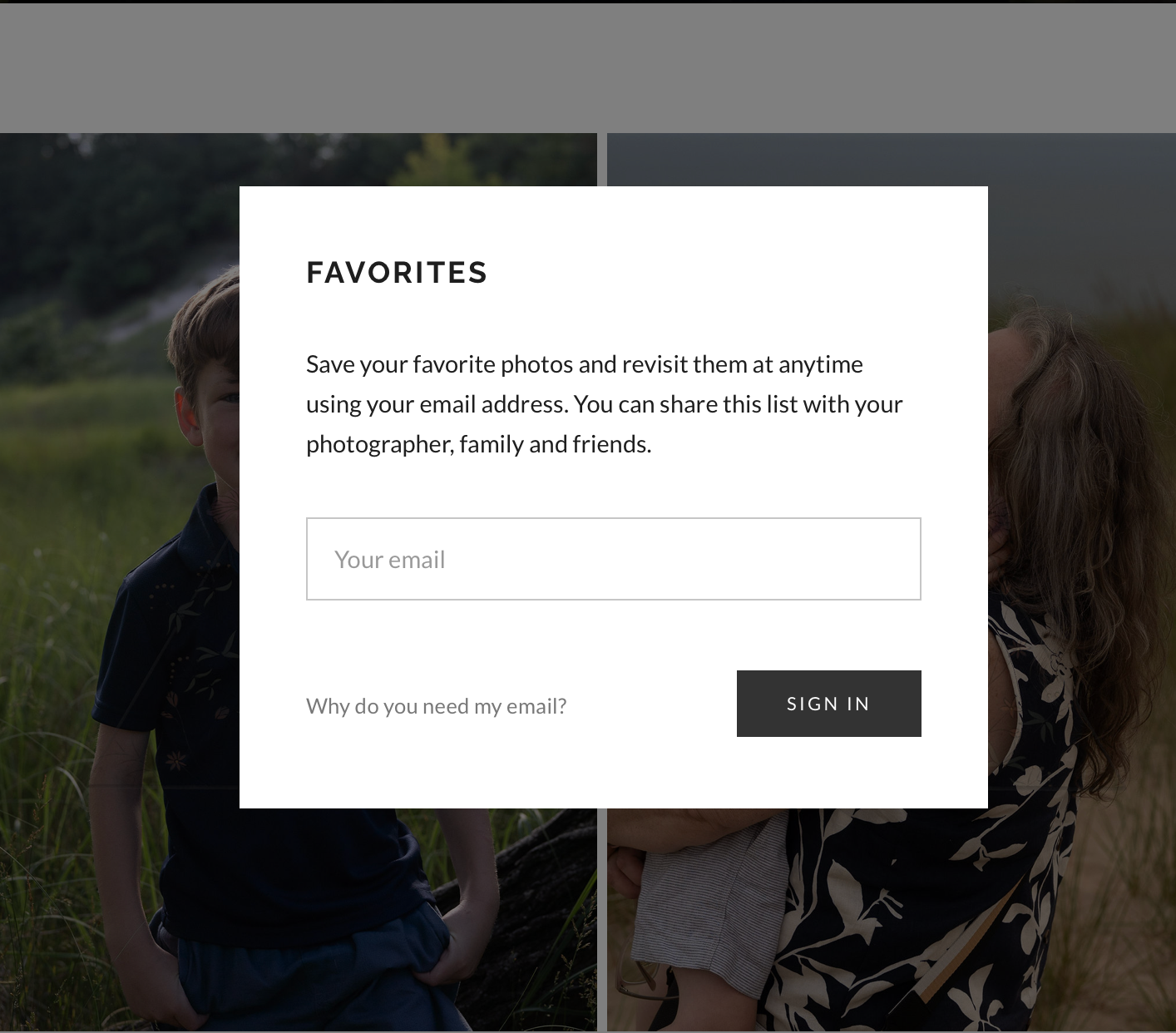
- Choose Your Favorites - Click the heart icon on each image you love to add it to your favorites list. The first time you heart an image, you’ll be prompted to enter your email address—this allows your favorites to be saved so you can return to them later.
- Review Your Selections - Once you’ve finished choosing, click the heart icon at the top of the gallery to view all your favorites in one place. Compare the number of favorites to the number of images included in your session package. If the numbers match, you’re all set. If you’ve selected more than your package includes, you may either:
- Remove images from your favorites list, or
- Upgrade your package
Sending Your Selections to Me
When your final selections are ready:
- Click the share button in the top right corner of your gallery (looks like a paper airplane)
- Select “Send to Photographer”
- Enter a message if you would like, then click "SEND"
This notifies me that your choices are final and editing can begin. If your favorites folder contains more than your contracted number of images, I will send an invoice for the additional selections. Once payment is received, the full editing process will begin
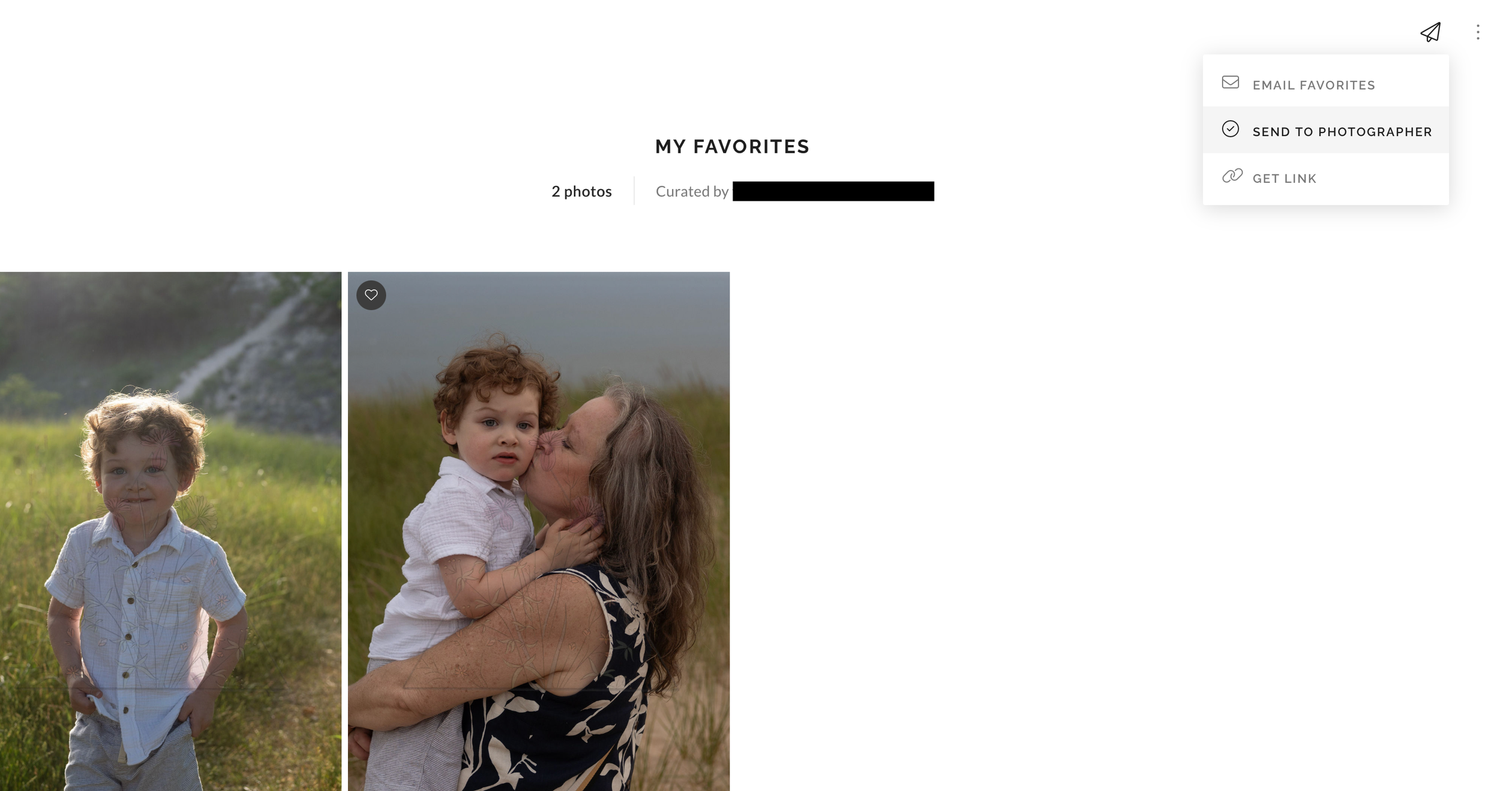
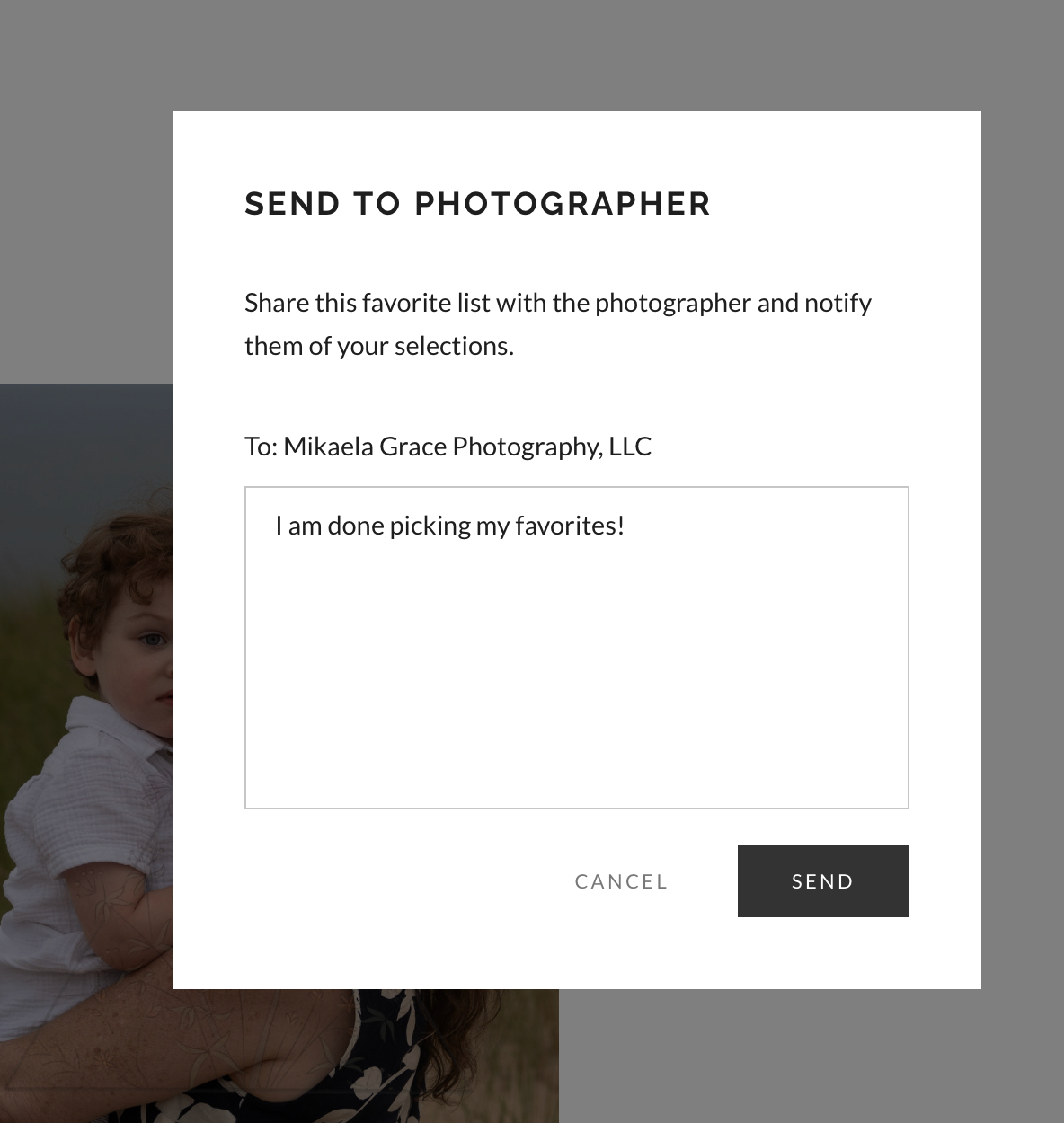
Image Upgrades & Full Gallery Options
- Additional images: $15 per image
- Full gallery upgrade:
- Simple Session: $150
- Classic: $225
- Essential: $125
- Extended: $250
Notice that your total investment for Classic and Essential sessions are priced so you will never exceed the cost of the Signature session. You simply upgrade by paying the difference.
If you’d like to upgrade to the full gallery, there’s no need to add every image to your favorites folder. Simply email me at hello@mikaelagracephoto.com to inform me of the upgrade.
*Please note that the costs listed above are current as of 2026 and may be updated over time. For the latest pricing, feel free to reach out directly.
Receiving Your Final Gallery
Your fully edited gallery will be delivered within 14 days of receiving your final image selections and payment of any upgrade invoices (if applicable). It will include:
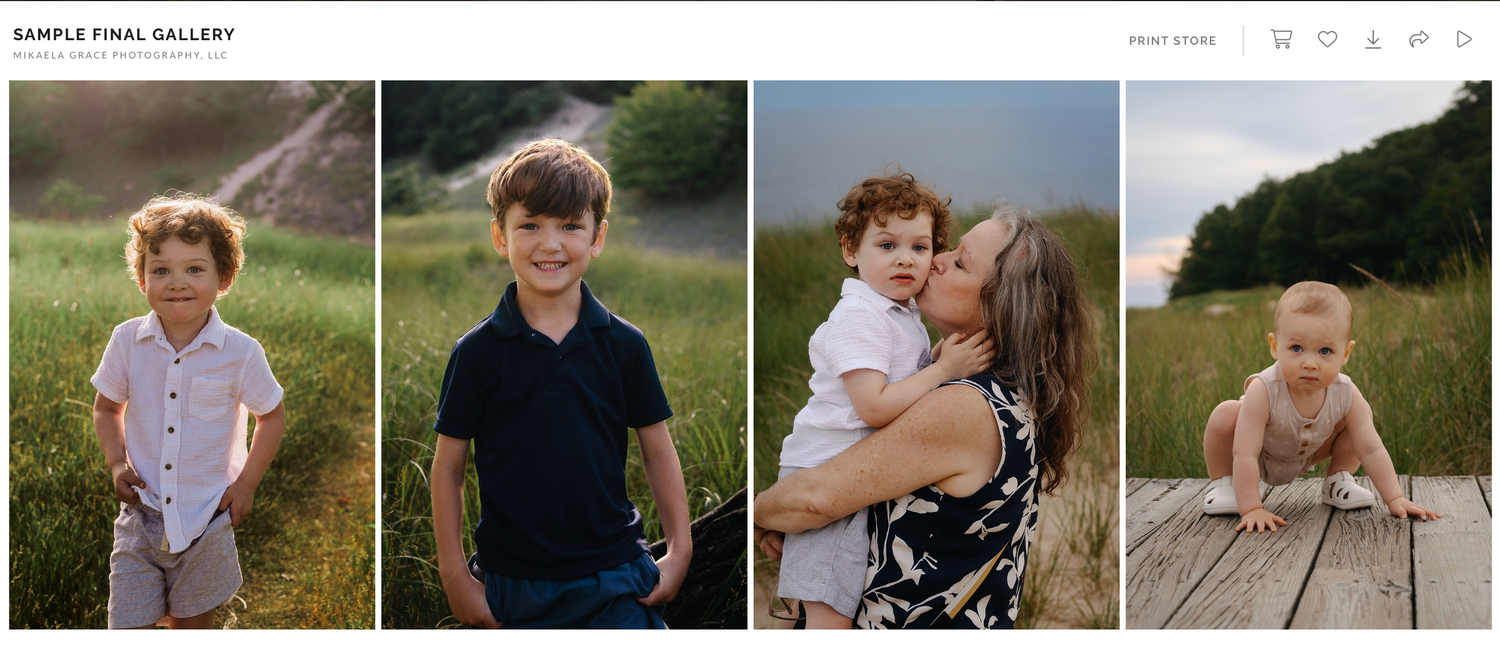
- High-resolution downloads (best for printing)
- Web-sized downloads (perfect for Facebook, Instagram, and online sharing)
All images are delivered as watermark-free JPEGs via a private online gallery with personal printing rights. Printed products are not included in session packages.
Not sure where to print your photos (and where to avoid)? Be sure to check out my print guidance blog post for recommendations.
Wondering why I use Proofing Galleries to begin with? Learn more here.
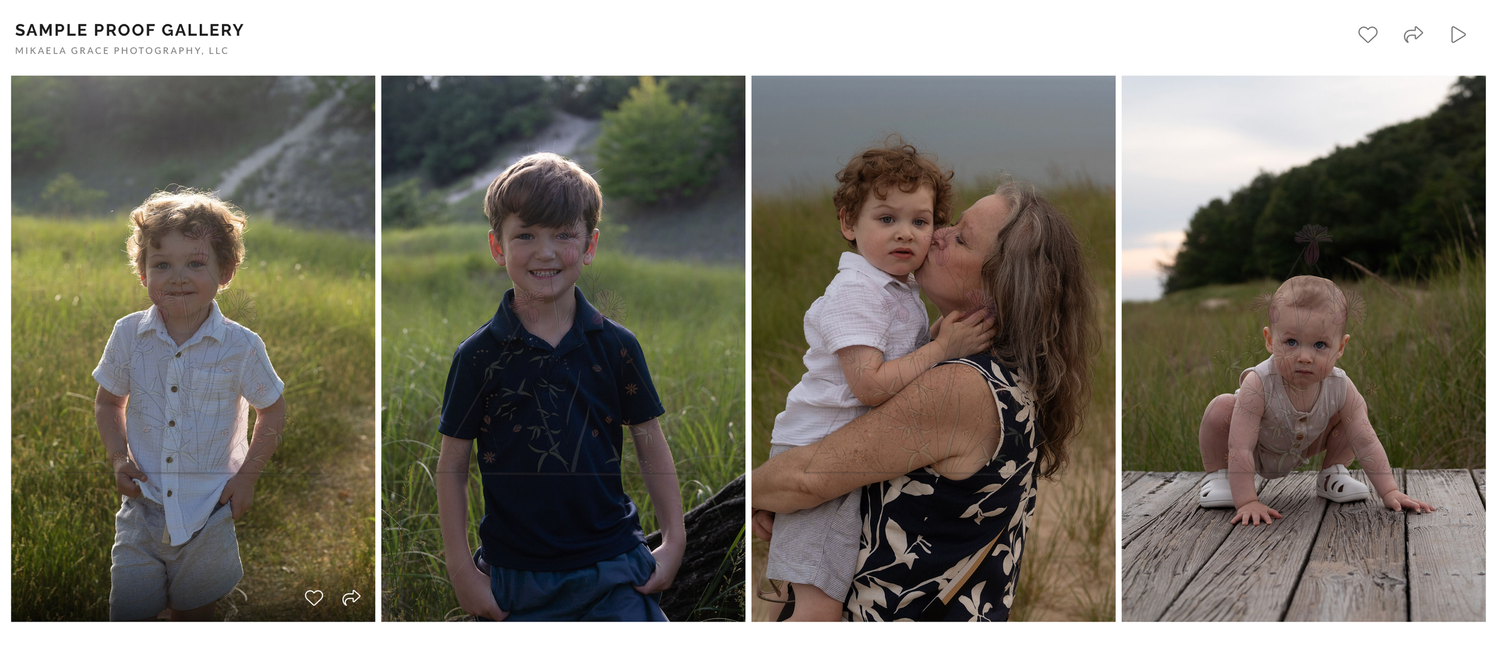
Sample Proofing Gallery
Sample Final Gallery
Questions?
If you have any questions or run into any issues at any point in the process, I’m always happy to help. You can reach me anytime at hello@mikaelagracephoto.com.
Looking forward to bringing your images to life,
Mikaela